Interlude.Compute.If
In Depth
Compute.If(condition, ifTrue: null, ifFalse: null)
Chooses between two values based on a condition.
How a computed field changes its mind: a rate that depends on which discipline was picked, a total that switches between metric and imperial. The condition is a Condition node, so it reads the form's own answers, and the whole thing recalculates whenever any field it touches changes.
Both branches are computations, so either can be a nested Compute.If — which is how a three-way choice is written, if not especially readably. Past two levels, a lookup table with Compute.Lookup is easier to follow and easier to change.
The inputs are:
condition(ConditionExpr) — Built with the Condition nodes.ifTrue(object, defaults tonull) — A field key, a literal, or a nested computation.ifFalse(object, defaults tonull) — A field key, a literal, or a nested computation.
Returns computation — The computation.
Search terms: if, conditional, ternary, choose, when.
About the Compute nodes
Values worked out from other answers, for use with Behavior.WithComputed.
A computed field is driven by the form rather than by the user: it recalculates whenever anything it reads changes, in dependency order, so a total built on a subtotal is always consistent. Computed values that depend on each other in a loop are rejected when the form is built, before a window appears.
Example File
An example graph ships beside this page: Interlude.Compute.If.dyn

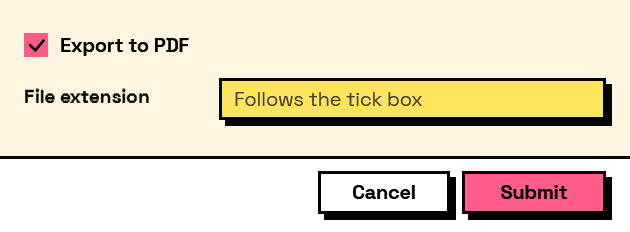
The form it builds: