Interlude.Layout.Button
In Depth
Layout.Button(text, tag: "", primary: false)
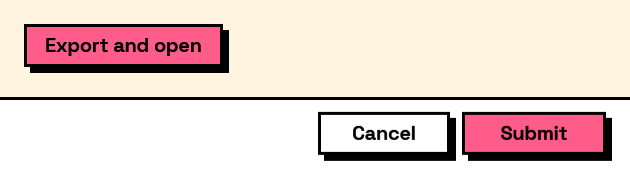
A button that closes the form and reports its tag on buttonClicked, which is how one form offers several outcomes such as "Place" and "Place and continue".
A closing button counts as submitting: the answers come back filled in and wasSubmitted is true, so branch on Result.ButtonClicked to tell which way the user went. Give every button a distinct tag; the caption is for the reader and can be reworded without breaking the graph, the tag is what the graph tests.
Validation still applies. A form with an invalid field will not close on any of them.
The inputs are:
text(string) — The button's caption.tag(string, defaults to"") — Reported as buttonClicked. Falls back to the caption.primary(boolean, defaults tofalse) — Draw in the accent colour, as the main action.
Returns element — The form element.
Search terms: button, action, submit, command.
About the Layout nodes
Arranging and decorating a form: sections, rows, grids, tabs, and the elements that show something rather than ask something.
Every container takes a list of elements. None of them has a single-element overload, on purpose: with both available, a graph that passes one element to a list port gets replication instead of a container, and produces N containers of one child each rather than one container of N. Pass a list, even a list of one.
Example File
An example graph ships beside this page: Interlude.Layout.Button.dyn
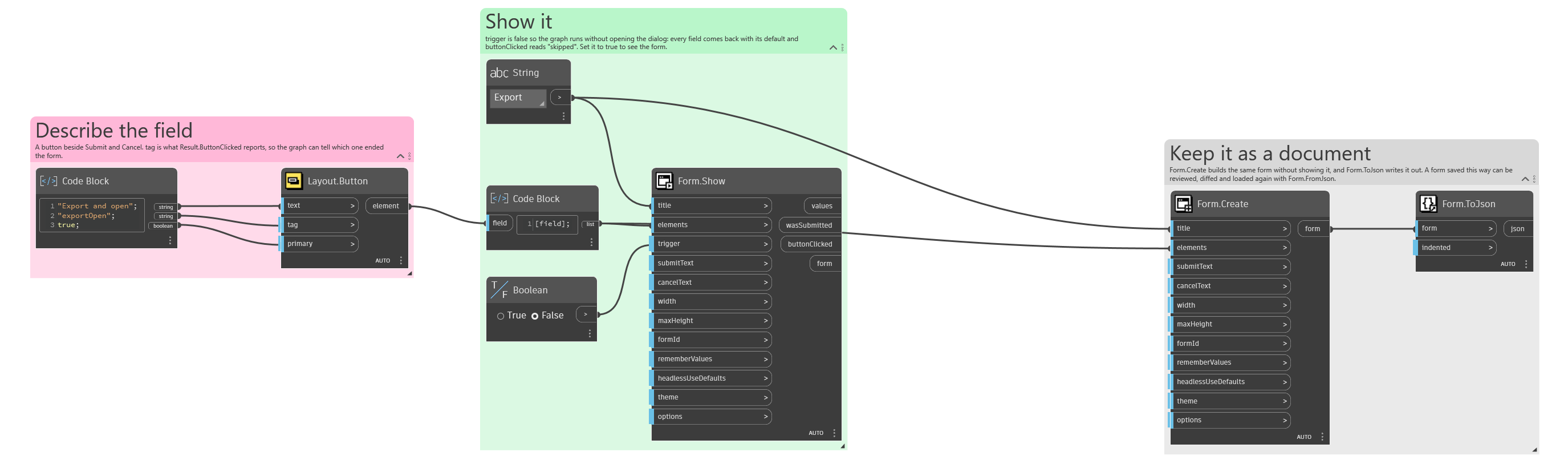
The form it builds: