Interlude.Input.Slider
In Depth
Input.Slider(label, minimum: 0, maximum: 100, defaultValue: 0, step: 1, decimalPlaces: 2, key: "", tooltip: "", helpText: "")
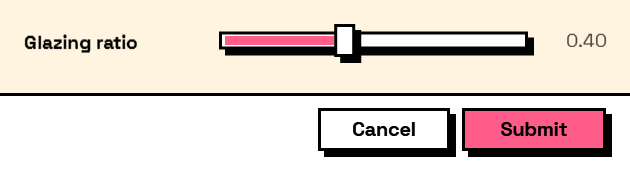
A number chosen by dragging along a track, with the value shown beside it.
Good when the range matters more than the exact figure — an opacity, a tolerance, a percentage — and the user is choosing by feel. When the exact figure is the point, and especially when it might be typed from a specification, Input.Number is kinder: a slider cannot be typed into.
The answer is a number. step snaps the track to increments; zero lets it move continuously.
The inputs are:
label(string) — Caption shown beside the field.minimum(number, defaults to0) — Left end of the track.maximum(number, defaults to100) — Right end of the track.defaultValue(number, defaults to0) — Value the slider starts at.step(number, defaults to1) — Snap increment. Zero for continuous.decimalPlaces(integer, defaults to2) — Digits shown in the readout.key(string, defaults to"") — Name of this answer in the results. Derived from the label when empty.tooltip(string, defaults to"") — Hover text.helpText(string, defaults to"") — A line of guidance shown under the field.
Returns element — The form element.
Search terms: slider, range, drag, number.
About the Input nodes
The fields a user answers.
Every input returns an element describing the control, not the control itself, and every one takes the same three trailing options: key, which names the answer in the results dictionary; tooltip; and helpText. Leave key empty and it is derived from the label — convenient for a quick form, but give real keys to any graph you intend to keep, because renaming a label would otherwise rename the answer.
Choice inputs take the values themselves, not their display names. Selecting an option hands back the original object — a Revit element, a family type, whatever was put in — so the answer is usable directly instead of needing a lookup back from a string.
Example File
An example graph ships beside this page: Interlude.Input.Slider.dyn
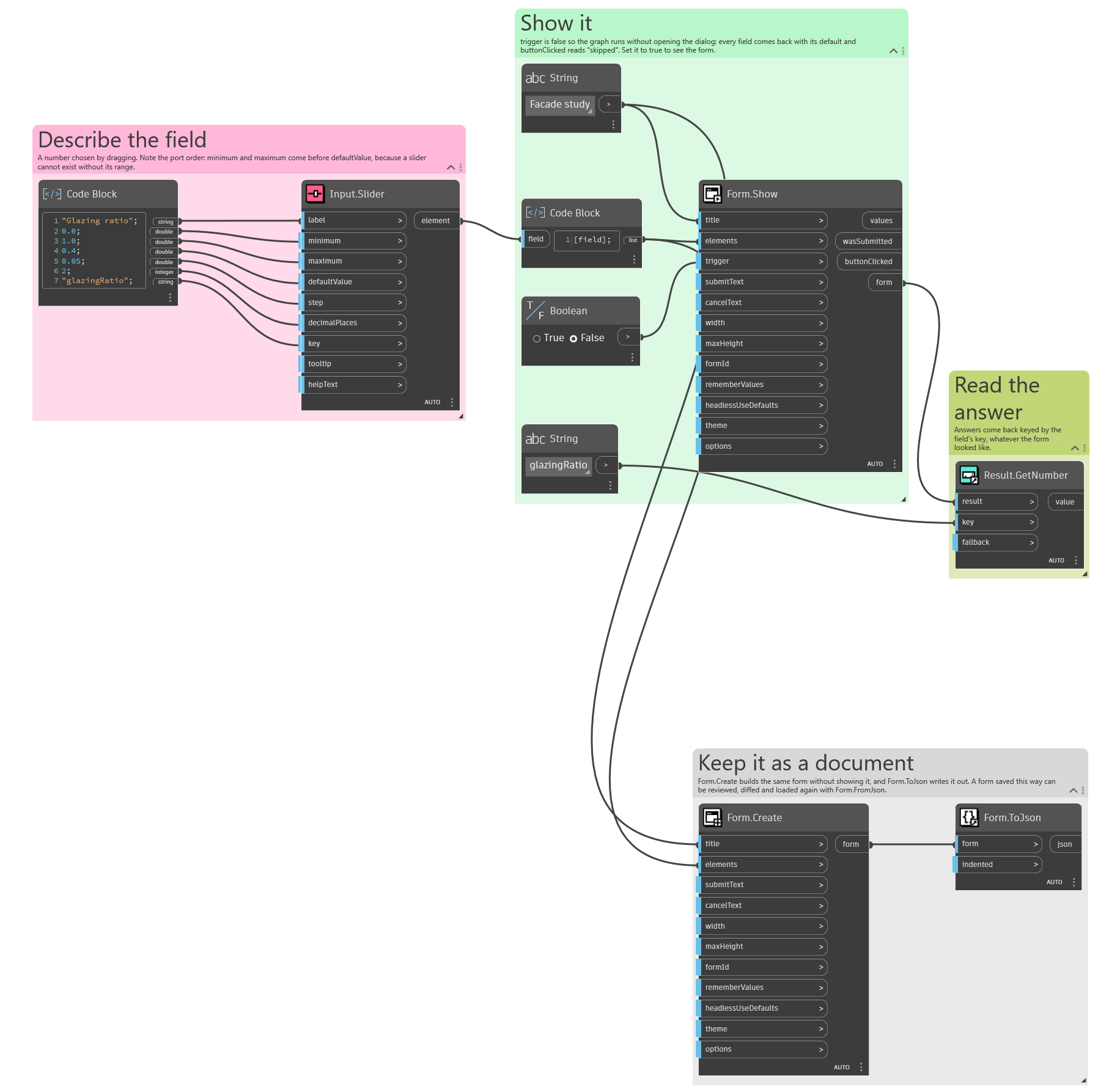
The form it builds: