Interlude.Theme.System
In Depth
Theme.System()
The default look, but following the Windows light or dark setting instead of staying light.
A form with nothing on its theme port is light, because the default palette is designed around cream and black and the inverted one is a different design rather than the same one dimmed. This node is for a graph that would rather match whatever the machine is set to.
Returns theme — The theme.
Search terms: theme, default, system, auto, follow, windows.
About the Theme nodes
How a form looks. Feed the result into Form.Show's theme port.
A theme is applied to the form's own window and nowhere else. Interlude runs inside Revit and inside Dynamo, and restyling a host application from a package would be an unwelcome surprise no matter how good the styling was.
Example File
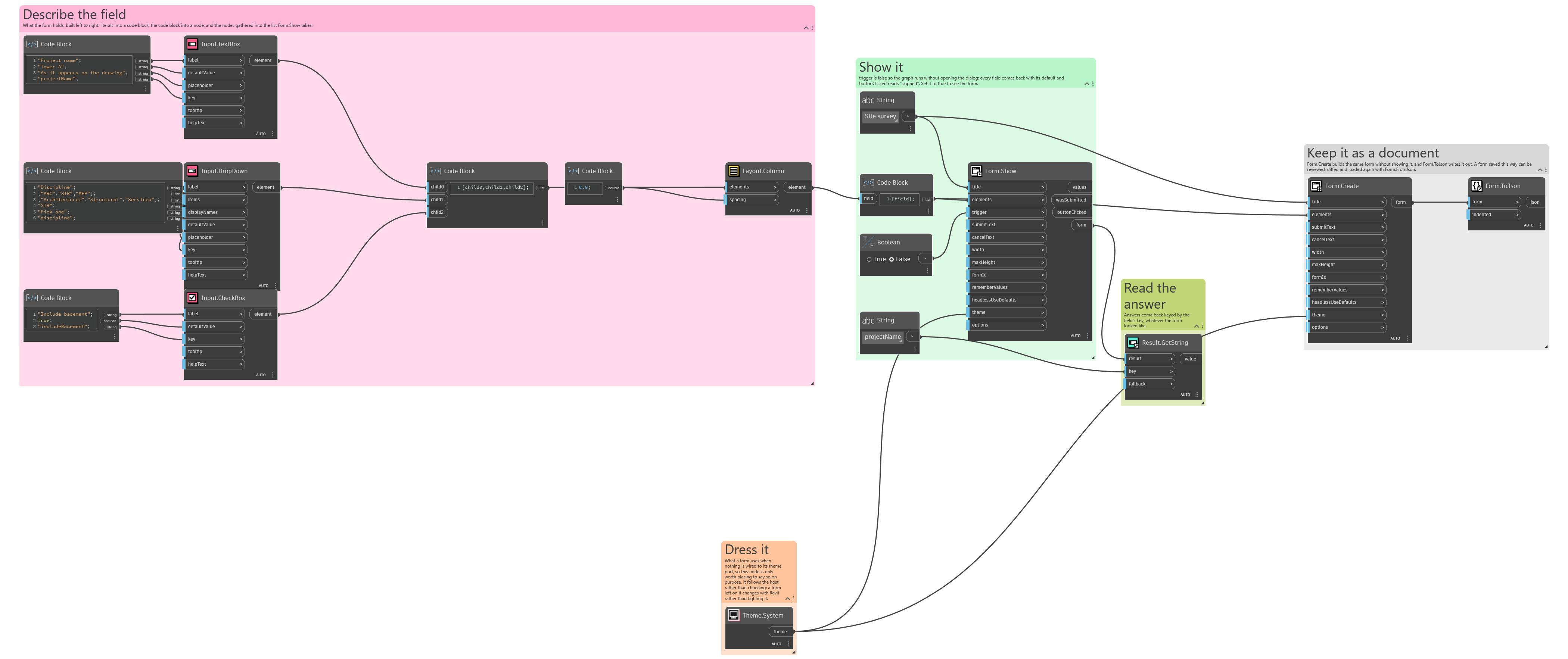
An example graph ships beside this page: Interlude.Theme.System.dyn
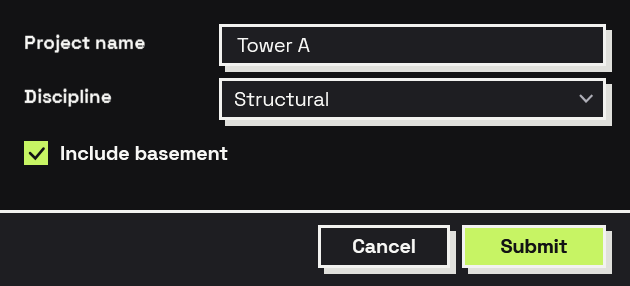
The form it builds: