Interlude.Form.FromJson
In Depth
Form.FromJson(json)
Reads a form back from JSON, as written by Form.ToJson.
This is what lets a graph show a form it did not build: the definition lives in a file under version control, and the graph loads and shows it. Change the form, and every graph that loads it changes with no graph edited.
The schema version is checked before anything else is read, so a file written by a newer Interlude is refused with an explanation rather than half-understood. Feed the result to Form.ShowDefinition, and to Form.Check first if the file came from somewhere you do not control.
The inputs are:
json(string) — The form as JSON.
Returns form — The form definition.
Search terms: json, deserialize, load, import, read, parse.
About the Form nodes
Showing a form and getting the answers back.
A note on re-execution, because it surprises everyone once: Dynamo re-runs a graph whenever anything upstream changes, and a node that shows a dialog will show it again. Interlude does not pretend otherwise — it gives you the tools to control it. The trigger port skips the dialog and returns the last answers when it is false, so a form can be gated behind a button or a boolean. A form already on screen is never opened twice: a second execution waits for the first window and returns its result rather than stacking dialogs. And Manual run mode remains the right setting for any graph built around a form.
Example File
An example graph ships beside this page: Interlude.Form.FromJson.dyn

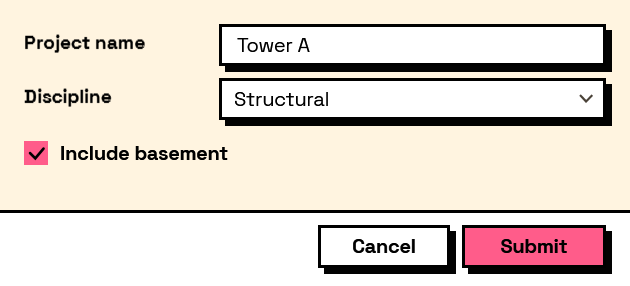
The form it builds: