Interlude.Layout.Image
In Depth
Layout.Image(path, width: null, height: null, alternateText: "")
A picture, loaded from a file on disk.
A diagram of what the graph is about to do explains it better than three paragraphs above the fields. Worth the space for anything spatial.
The path is read when the form opens, from wherever the machine running the graph can see — so a path on your own desktop breaks the moment somebody else runs it. Put shared images on a network location, or beside the graph.
A file that is missing or unreadable shows the alternateText rather than taking the form down: an image is decoration, and decoration is never worth losing the dialog over.
The inputs are:
path(string) — Path to the image file.width(object, defaults tonull) — Fixed width. Null sizes to the image.height(object, defaults tonull) — Fixed height. Null sizes to the image.alternateText(string, defaults to"") — Description used when the image cannot be loaded.
Returns element — The form element.
Search terms: image, picture, logo, graphic, photo.
About the Layout nodes
Arranging and decorating a form: sections, rows, grids, tabs, and the elements that show something rather than ask something.
Every container takes a list of elements. None of them has a single-element overload, on purpose: with both available, a graph that passes one element to a list port gets replication instead of a container, and produces N containers of one child each rather than one container of N. Pass a list, even a list of one.
Example File
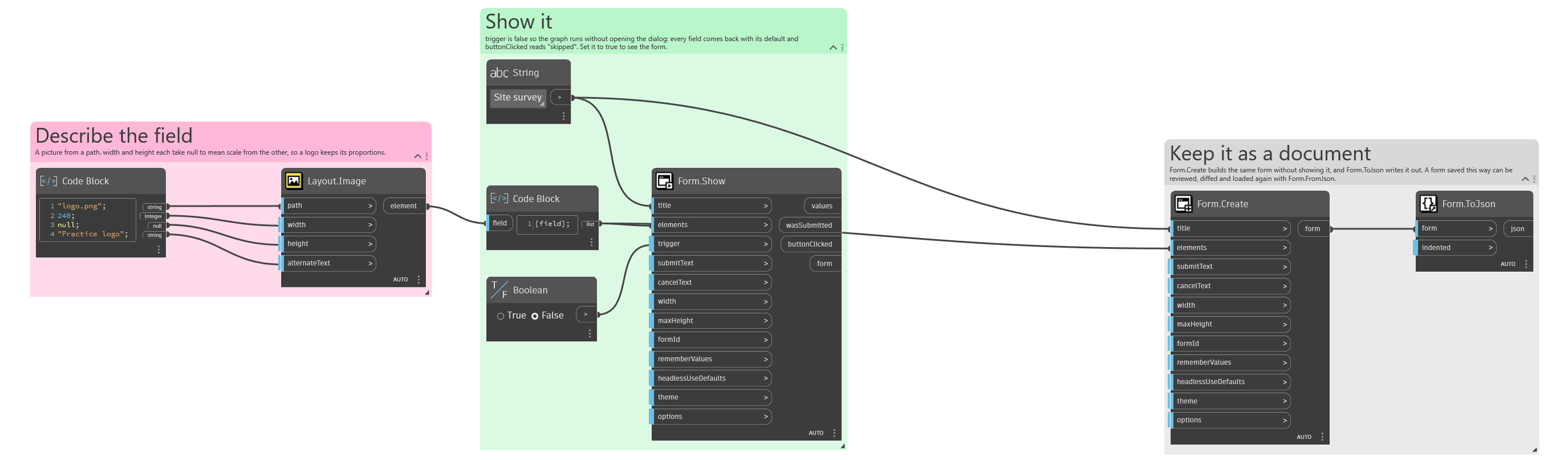
An example graph ships beside this page: Interlude.Layout.Image.dyn
The form it builds: