Interlude.Layout.LinkButton
In Depth
Layout.LinkButton(text, url)
A button that opens a web page in the machine's browser. The form stays open.
For sending the user to the office standard, the wiki page explaining the naming convention, or the issue tracker — without them losing what they have typed.
The URL opens in whatever handles it outside Dynamo; nothing is shown inside the form, and the answers are untouched.
The inputs are:
text(string) — The button's caption.url(string) — The address to open. Only http and https are opened.
Returns element — The form element.
Search terms: link, url, web, browser, help.
About the Layout nodes
Arranging and decorating a form: sections, rows, grids, tabs, and the elements that show something rather than ask something.
Every container takes a list of elements. None of them has a single-element overload, on purpose: with both available, a graph that passes one element to a list port gets replication instead of a container, and produces N containers of one child each rather than one container of N. Pass a list, even a list of one.
Example File
An example graph ships beside this page: Interlude.Layout.LinkButton.dyn
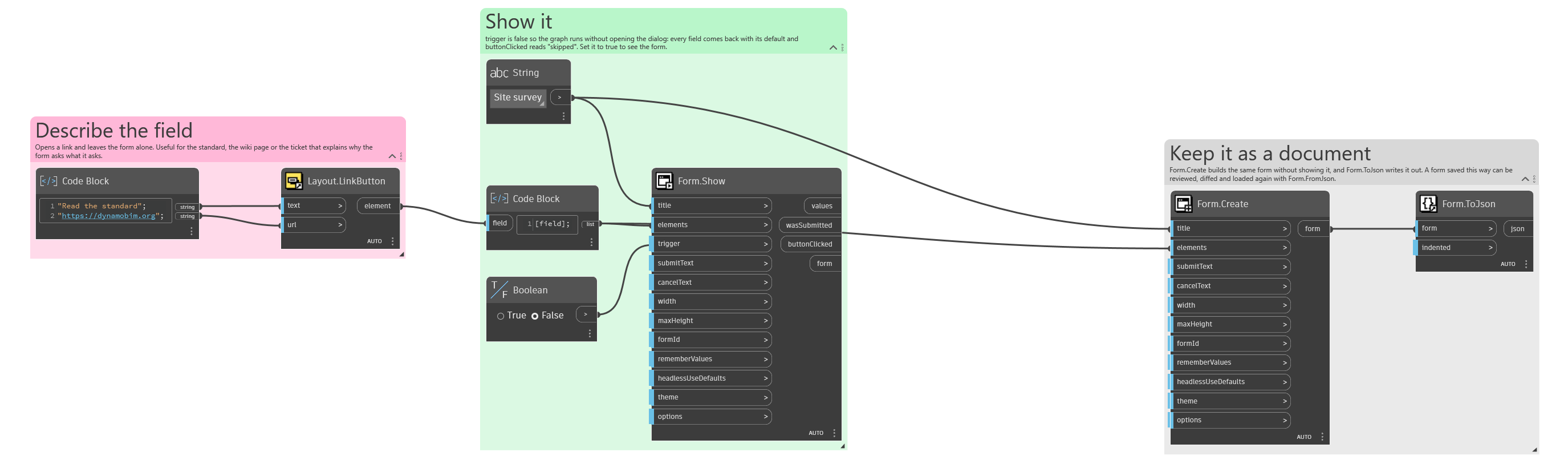
The form it builds: