Interlude.Rule.Length
In Depth
Rule.Length(minimum: null, maximum: null, message: "")
The field's text length, or the number of items selected, must fall between the bounds.
The inputs are:
minimum(object, defaults tonull) — Fewest acceptable characters or items.maximum(object, defaults tonull) — Most acceptable characters or items.message(string, defaults to"") — Wording shown when it does not.
Returns rule — The rule.
Search terms: length, characters, count, size, items.
About the Rule nodes
Checks applied to a field's answer, for use with Behavior.WithValidation.
Rules run as the user types and block submission while any of them fails. A rule on a field the user cannot see is never applied — a hidden field can never stop a form being submitted, which would otherwise mean an error with no control to fix it.
Except for Rule.Required, every rule passes on an empty field. Emptiness is Behavior.Required's business, so an optional field with a range on it stays optional.
Example File
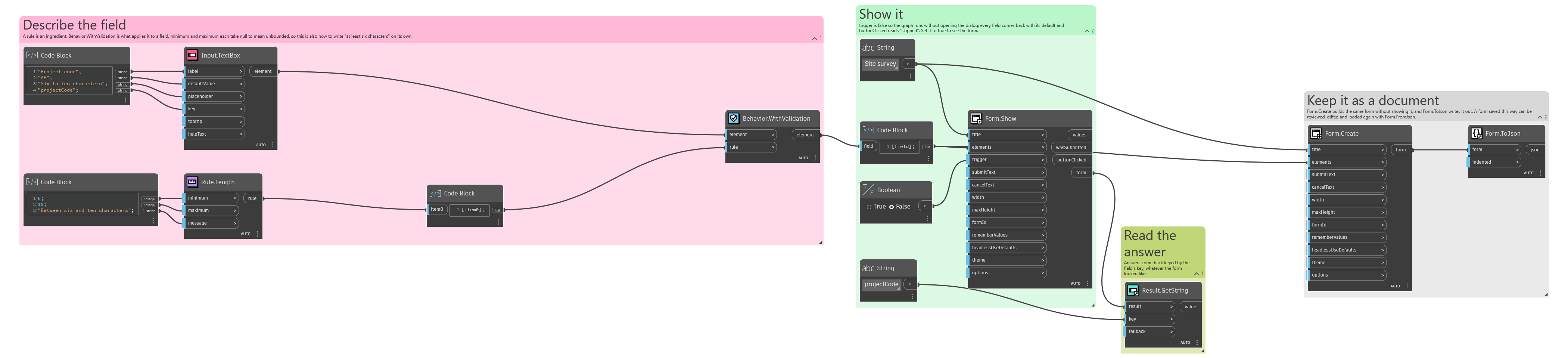
An example graph ships beside this page: Interlude.Rule.Length.dyn
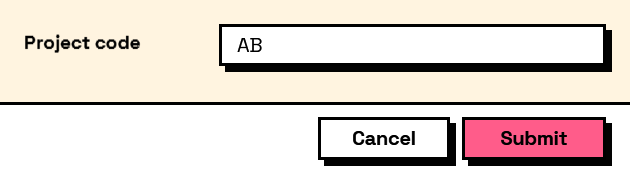
The form it builds: