Interlude.Result.GetNumber
In Depth
Result.GetNumber(result, key, fallback: 0)
A field's answer as a number.
Text that looks like a number is converted, so this reads a text box the user typed "3.5" into as well as it reads a numeric field. Text that does not look like a number gives the fallback rather than failing the graph.
The conversion accepts the machine's own decimal separator, so a comma-decimal locale reads its own numbers correctly rather than losing the fractional part.
The inputs are:
result(object) — The values dictionary or the form output of Form.Show.key(string) — The field to read.fallback(number, defaults to0) — Returned when the field is missing or is not a number.
Returns value — The answer as a number.
Search terms: number, double, numeric, get, read.
About the Result nodes
Reading a form's answers.
Every node here accepts either the values dictionary or the form output of Form.Show, so it does not matter which one is to hand. They exist so a graph can say what it expects — a number, a date, a colour — rather than pulling an object out of a dictionary and hoping. Each one takes a fallback used when the field is missing or empty, which is what keeps a downstream node from receiving a null it was not expecting.
Example File
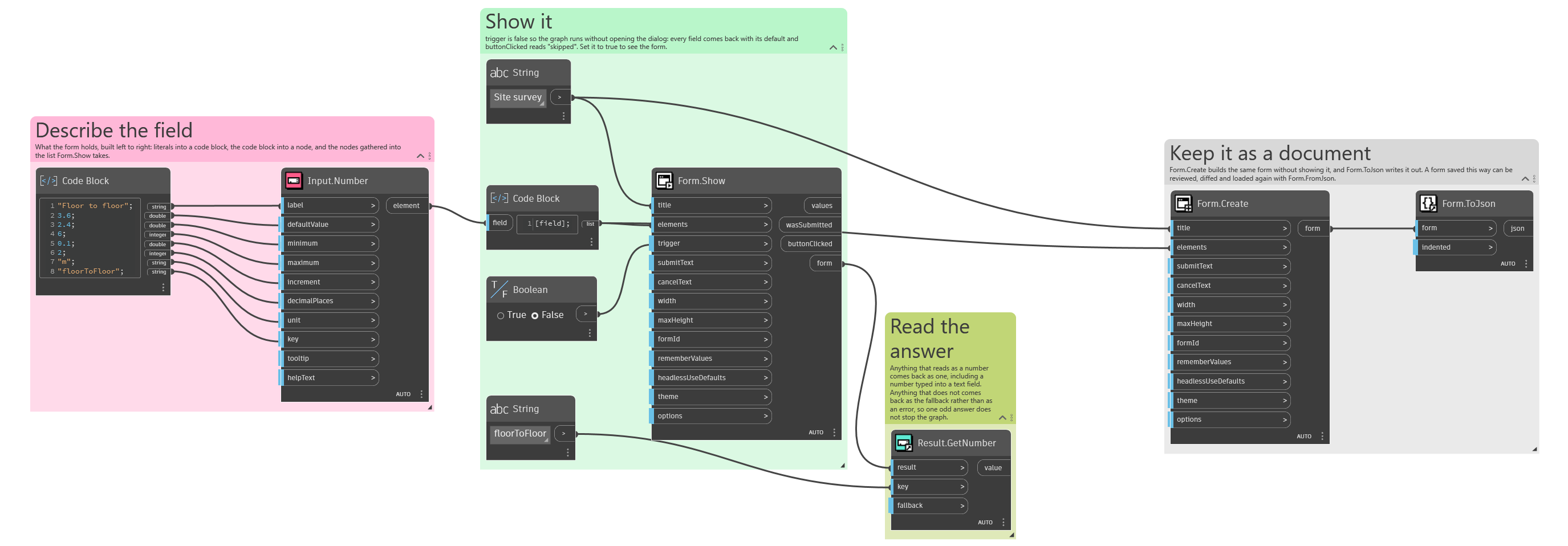
An example graph ships beside this page: Interlude.Result.GetNumber.dyn
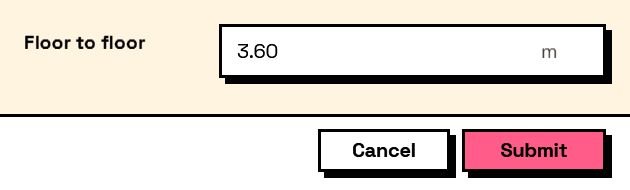
The form it builds: