Interlude.Layout.Label
In Depth
Layout.Label(text, headingLevel: 0, muted: false)
A run of static text: an instruction, a note, a heading.
Shows something rather than asking something, so it contributes nothing to the answers and needs no key.
headingLevel above zero makes it a heading — 1 is largest, 4 smallest — and headings take the theme's capitals and letter-spacing where body text never does. isMuted greys it for an aside.
For a sentence explaining one field, Behavior.WithHelp puts it under that field where it belongs, instead of leaving the reader to work out which one it refers to.
The inputs are:
text(string) — What to show.headingLevel(integer, defaults to0) — 1 to 4 renders as a heading; 0 is body text.muted(boolean, defaults tofalse) — Draw in the secondary colour, for captions and asides.
Returns element — The form element.
Search terms: label, text, caption, heading, title.
About the Layout nodes
Arranging and decorating a form: sections, rows, grids, tabs, and the elements that show something rather than ask something.
Every container takes a list of elements. None of them has a single-element overload, on purpose: with both available, a graph that passes one element to a list port gets replication instead of a container, and produces N containers of one child each rather than one container of N. Pass a list, even a list of one.
Example File
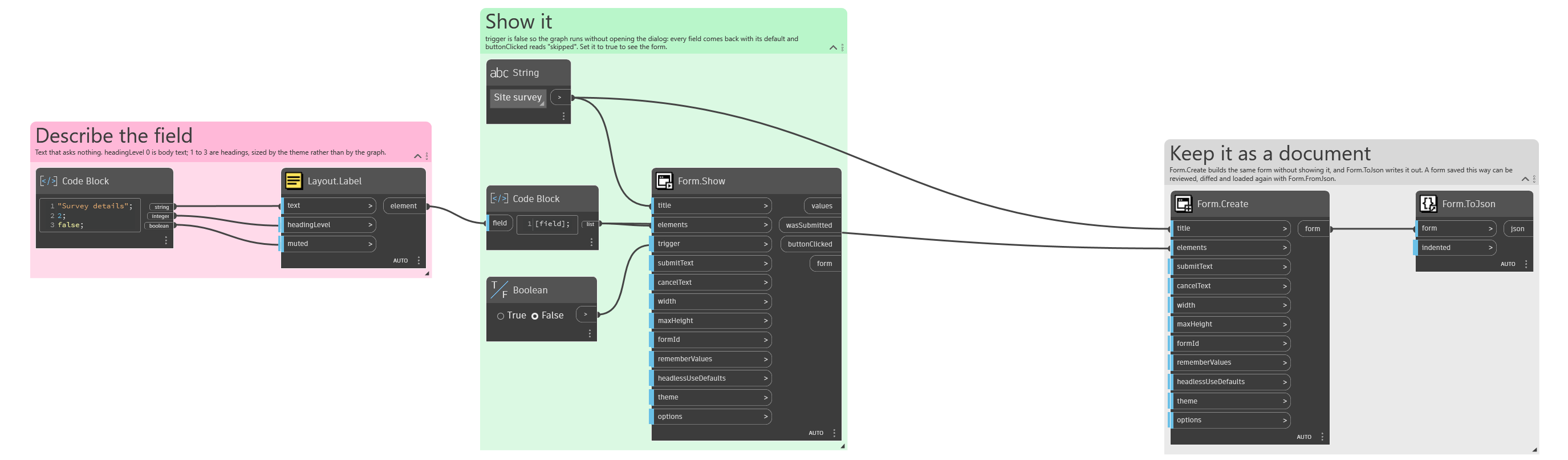
An example graph ships beside this page: Interlude.Layout.Label.dyn
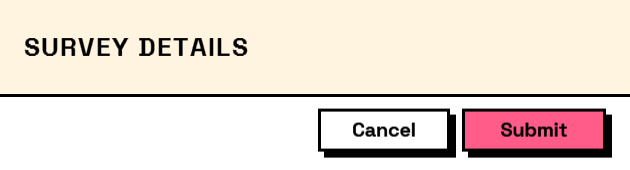
The form it builds: