Interlude.Input.DropDown
In Depth
Input.DropDown(label, items: null, displayNames: null, defaultValue: null, placeholder: "", key: "", tooltip: "", helpText: "")
A drop-down list, for one choice out of many.
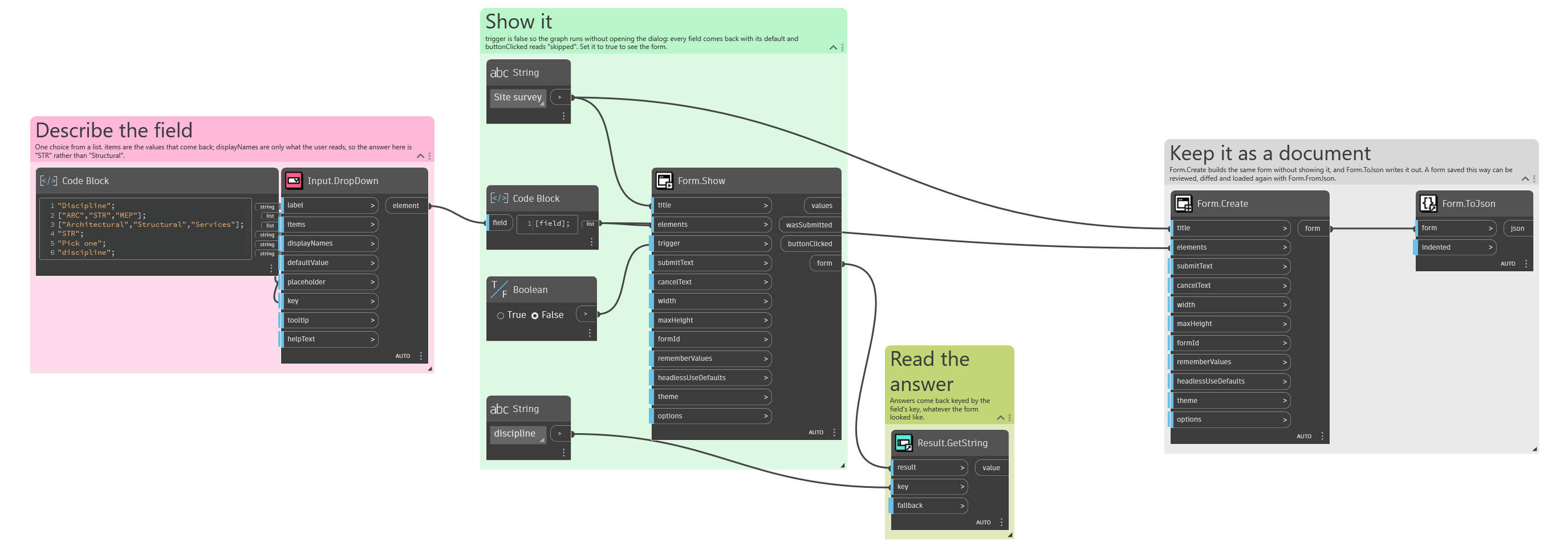
The answer is the selected item itself, not its display name. Feed in Revit elements, family types, whatever you have, and pass their names separately as displayNames; what comes back is the object you put in, ready to use. This is the difference that removes the lookup-by-name step — and the bug where two things share a name — from the middle of every graph that asks the user to pick something.
With no defaultValue and no placeholder, the first item starts selected, so the field is never empty. Give a placeholder instead when "nothing chosen yet" is a state you want to be able to tell apart, and pair it with Behavior.Required.
Above roughly a dozen options this beats Input.RadioButtons on space; below about four, radio buttons show every choice at once and save a click.
The inputs are:
label(string) — Caption shown beside the field.items(list of object, defaults tonull) — The values to choose between. Can be any objects.displayNames(list of object, defaults tonull) — What to show for each item. Falls back to each item's own text.defaultValue(object, defaults tonull) — Which item starts selected. Null selects the first.placeholder(string, defaults to"") — Grey prompt shown while nothing is selected.key(string, defaults to"") — Name of this answer in the results. Derived from the label when empty.tooltip(string, defaults to"") — Hover text.helpText(string, defaults to"") — A line of guidance shown under the field.
Returns element — The form element.
Search terms: dropdown, combobox, select, choose, list, pick.
About the Input nodes
The fields a user answers.
Every input returns an element describing the control, not the control itself, and every one takes the same three trailing options: key, which names the answer in the results dictionary; tooltip; and helpText. Leave key empty and it is derived from the label — convenient for a quick form, but give real keys to any graph you intend to keep, because renaming a label would otherwise rename the answer.
Choice inputs take the values themselves, not their display names. Selecting an option hands back the original object — a Revit element, a family type, whatever was put in — so the answer is usable directly instead of needing a lookup back from a string.
Example File
An example graph ships beside this page: Interlude.Input.DropDown.dyn
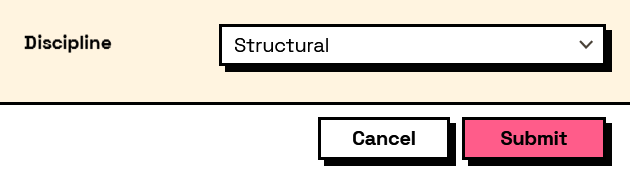
The form it builds: