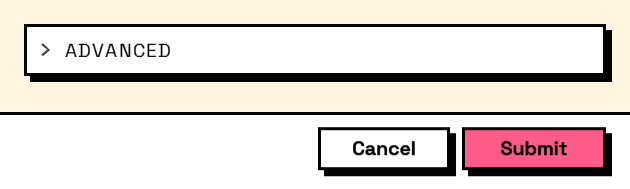
Interlude.Layout.Expander
In Depth
Layout.Expander(header, elements, expanded: true)
A section the user can fold away, starting folded unless told otherwise.
The place to put the advanced settings — visible to whoever wants them, out of the way of everybody else. That is the difference from a collapsible Layout.Section, which starts open: this one hides by default, and what is inside should be the things most users never touch.
Folded is not hidden. Fields inside still submit, still validate and still block. If a required field is folded away, the user is stopped by an error they cannot see — put nothing required in here, or reveal it with Behavior.VisibleIf instead.
The inputs are:
header(string) — The section's title.elements(list of FormElement) — What goes inside.expanded(boolean, defaults totrue) — Whether it starts open.
Returns element — The form element.
Search terms: expander, collapse, fold, accordion, disclosure.
About the Layout nodes
Arranging and decorating a form: sections, rows, grids, tabs, and the elements that show something rather than ask something.
Every container takes a list of elements. None of them has a single-element overload, on purpose: with both available, a graph that passes one element to a list port gets replication instead of a container, and produces N containers of one child each rather than one container of N. Pass a list, even a list of one.
Example File
An example graph ships beside this page: Interlude.Layout.Expander.dyn
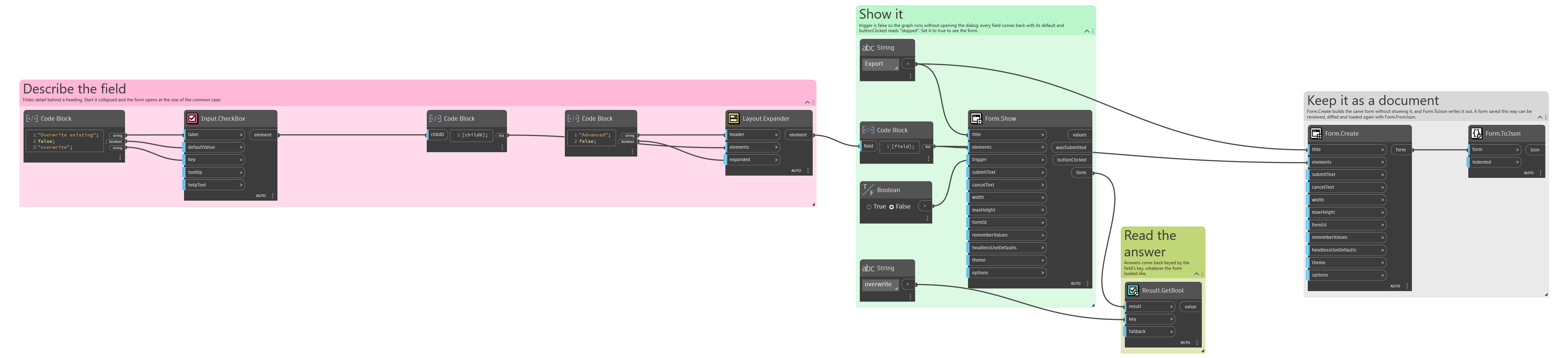
The form it builds: