Interlude.Condition.IsNotEmpty
In Depth
Condition.IsNotEmpty(key)
True when the field has an answer.
The usual way to reveal the next step of a form once the previous one is filled in: show the options only after a file has been chosen.
Note what counts. False and zero are answers, so an unticked box and a numeric field reading 0 are both "not empty". Only blank text and nothing-selected are empty.
The inputs are:
key(string) — The field to read.
Returns condition — The condition.
Search terms: not empty, answered, filled, has value.
About the Condition nodes
Tests over a form's own answers, for use with the Behavior nodes.
Conditions name the field they read by its key — the same key the answer appears under in the results. They are re-evaluated whenever that field changes, so a form's behaviour is described once, declaratively, rather than wired up event by event.
Comparisons are type-aware: numbers compare numerically even when typed as text, lists compare element by element, and text comparison is case-sensitive unless ignoreCase says otherwise.
Example File
An example graph ships beside this page: Interlude.Condition.IsNotEmpty.dyn

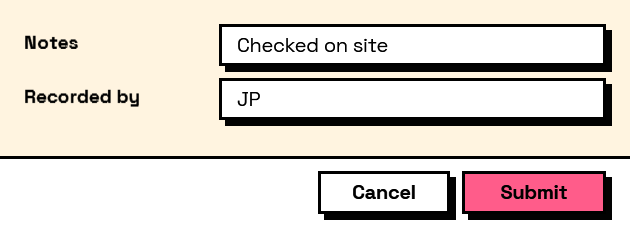
The form it builds: