Interlude.Layout.ResetButton
In Depth
Layout.ResetButton(text: "Reset")
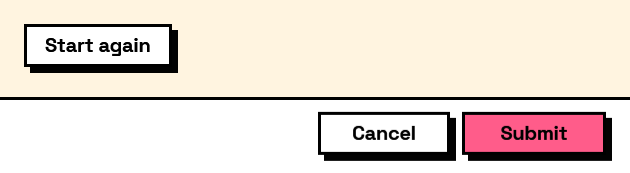
A button that puts every field back to its default. The form stays open.
Worth adding to any form with remembered answers, where what the user sees is what they typed last time and getting back to a clean start would otherwise mean clearing a dozen fields by hand.
It resets the fields on screen. It does not clear what was remembered — that is Form.Forget — so cancelling after a reset leaves the previous answers intact.
The inputs are:
text(string, defaults to"Reset") — The button's caption.
Returns element — The form element.
Search terms: reset, clear, defaults, revert.
About the Layout nodes
Arranging and decorating a form: sections, rows, grids, tabs, and the elements that show something rather than ask something.
Every container takes a list of elements. None of them has a single-element overload, on purpose: with both available, a graph that passes one element to a list port gets replication instead of a container, and produces N containers of one child each rather than one container of N. Pass a list, even a list of one.
Example File
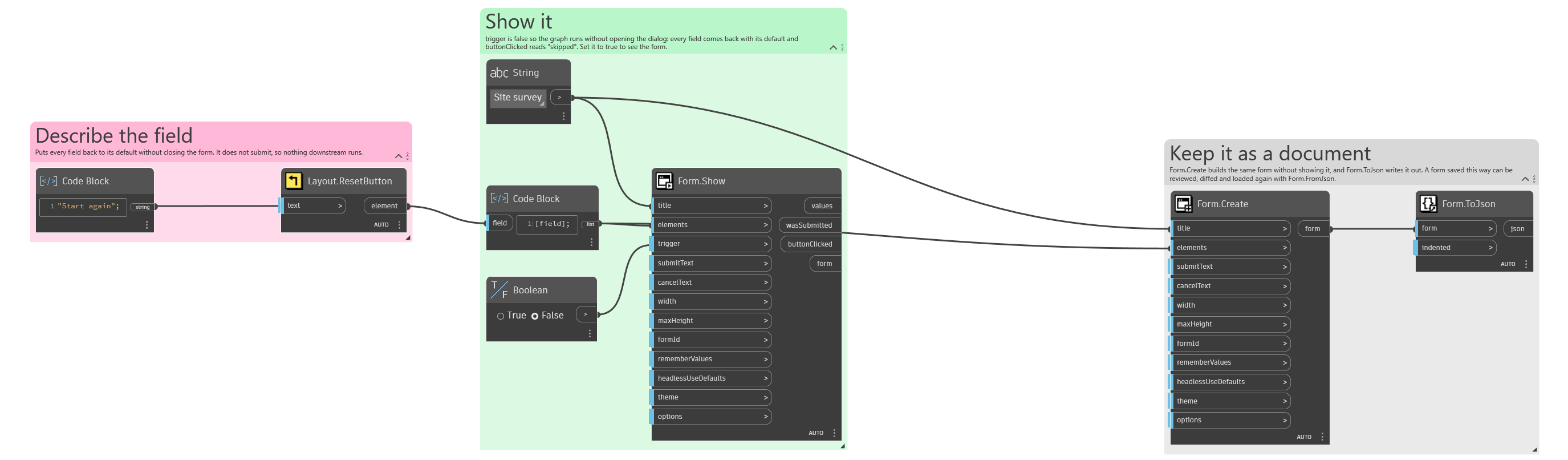
An example graph ships beside this page: Interlude.Layout.ResetButton.dyn
The form it builds: