Interlude.Input.SelectElements
In Depth
Input.SelectElements(label, allowMultiple: true, buttonText: "", prompt: "", defaultValue: null, key: "", tooltip: "", helpText: "")
A button that lets the user pick elements directly in the Revit model. The form minimises while they pick and comes back when they finish, with a summary of what they chose beside the button.
The answer is the picked Revit element itself — the same element every Dynamo Revit node works with — not an id or a name. A multi-select field stores a list of elements and a single-select field stores one, read with Result.GetList or straight out of values. Pressing Escape during the pick keeps whatever was selected before.
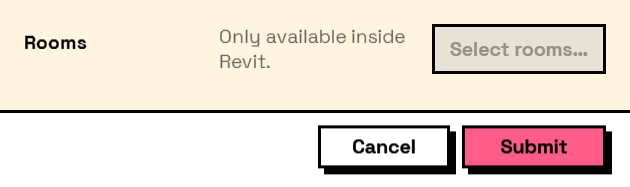
This only works with Dynamo running inside Revit, and Interlude still references no Revit assembly: the picking goes through the Revit API that is already loaded in the process. Anywhere else — Dynamo Sandbox, a saved form opened for review — the button is disabled with an explanation, and the rest of the form works normally.
Elements cannot ride along in a saved form file, for the same reason as drop-down options: they do not exist in another model. The field's configuration round-trips; its answer is live model data.
The inputs are:
label(string) — Caption shown beside the field.allowMultiple(boolean, defaults totrue) — Whether several elements can be picked. False ends the pick at the first click.buttonText(string, defaults to"") — Caption on the button. Empty gets "Select in model…".prompt(string, defaults to"") — Text shown in Revit's status bar while picking.defaultValue(list of object, defaults tonull) — Elements the field starts with, from the graph.key(string, defaults to"") — Name of this answer in the results. Derived from the label when empty.tooltip(string, defaults to"") — Hover text.helpText(string, defaults to"") — A line of guidance shown under the field.
Returns element — The form element.
Search terms: select, revit, pick, model, element, selection.
About the Input nodes
The fields a user answers.
Every input returns an element describing the control, not the control itself, and every one takes the same three trailing options: key, which names the answer in the results dictionary; tooltip; and helpText. Leave key empty and it is derived from the label — convenient for a quick form, but give real keys to any graph you intend to keep, because renaming a label would otherwise rename the answer.
Choice inputs take the values themselves, not their display names. Selecting an option hands back the original object — a Revit element, a family type, whatever was put in — so the answer is usable directly instead of needing a lookup back from a string.
Example File
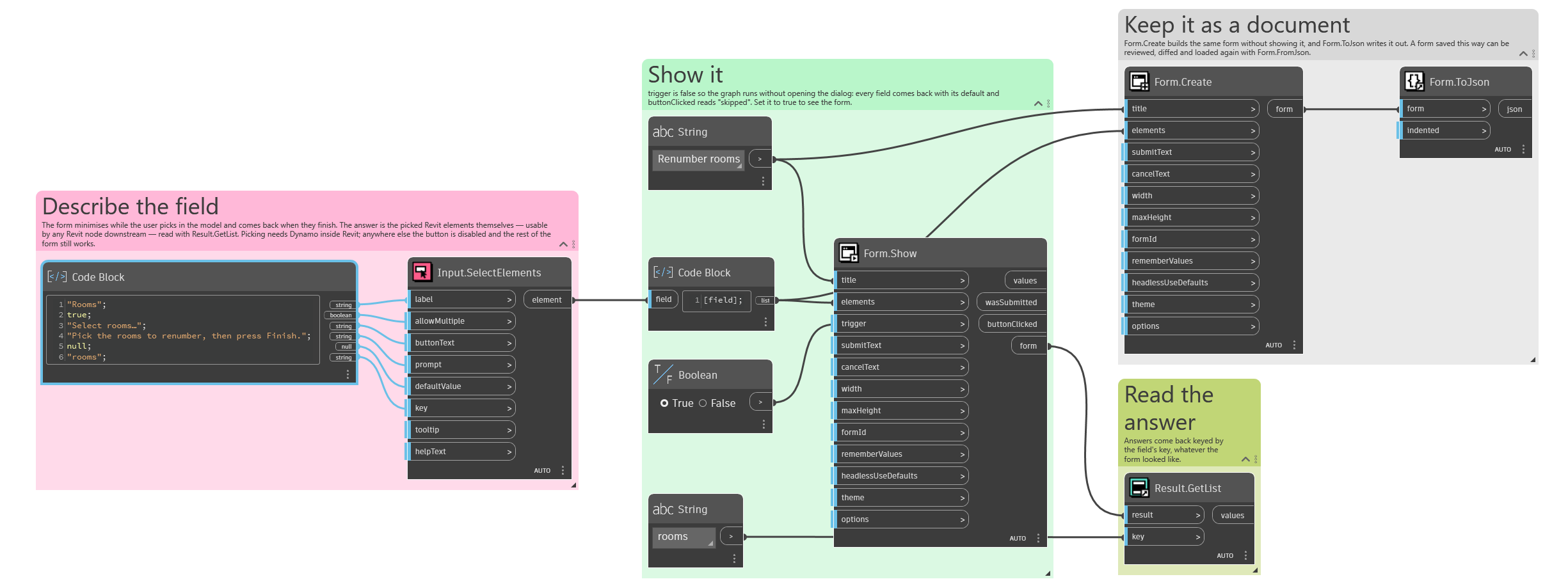
An example graph ships beside this page: Interlude.Input.SelectElements.dyn
The form it builds: