Interlude.Layout.Scroll
In Depth
Layout.Scroll(elements, maxHeight: 300, allowHorizontal: false)
A region that scrolls when its contents do not fit.
Rarely needed: the form window already scrolls as a whole once it passes maxHeight. Reach for this only when one part should scroll while the rest stays put — a long list of options above a fixed summary, say.
A scrolling region nested inside the window's own scrolling is a trap worth avoiding. Two scrollbars in one dialog leave the user rolling the wheel over the wrong half.
The inputs are:
elements(list of FormElement) — What goes inside.maxHeight(number, defaults to300) — Height at which scrolling starts.allowHorizontal(boolean, defaults tofalse) — Also scroll sideways.
Returns element — The form element.
Search terms: scroll, scrollviewer, overflow.
About the Layout nodes
Arranging and decorating a form: sections, rows, grids, tabs, and the elements that show something rather than ask something.
Every container takes a list of elements. None of them has a single-element overload, on purpose: with both available, a graph that passes one element to a list port gets replication instead of a container, and produces N containers of one child each rather than one container of N. Pass a list, even a list of one.
Example File
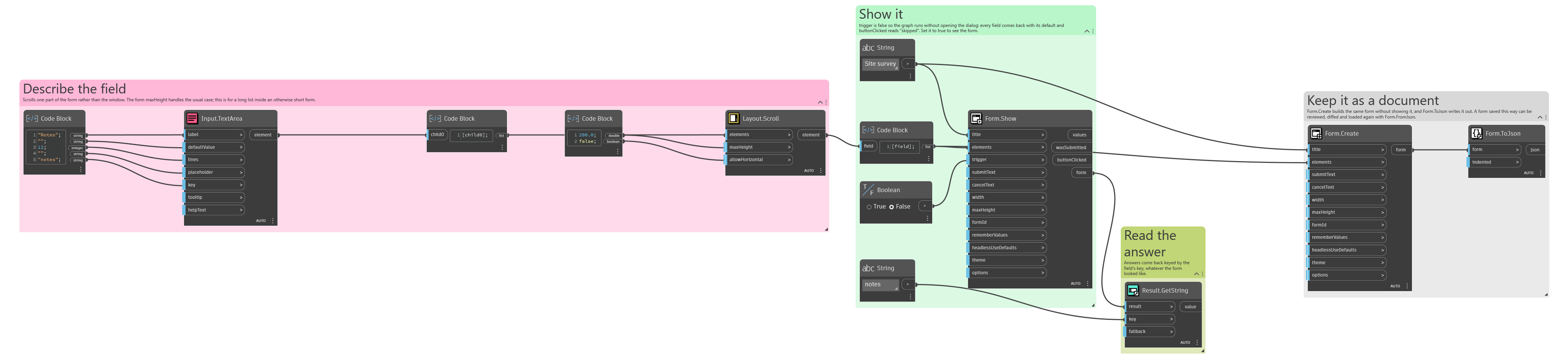
An example graph ships beside this page: Interlude.Layout.Scroll.dyn
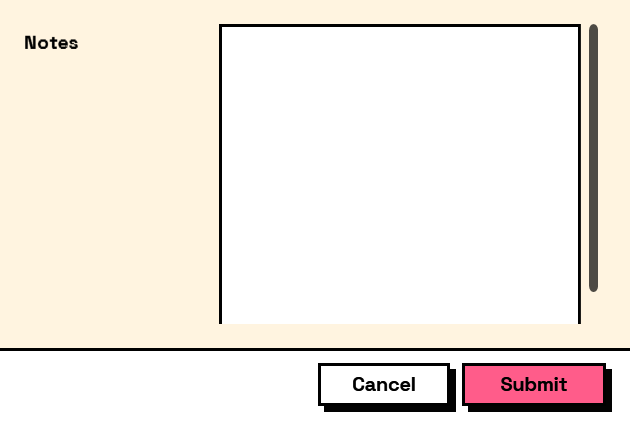
The form it builds: