Interlude.Result.ButtonClicked
In Depth
Result.ButtonClicked(result)
Which button ended the form: "submit", "cancel", "closed", "skipped", or a custom button's tag.
How one form offers several outcomes. Add buttons with Layout.Button, give each a distinct tag, and branch on what comes back here — "Place", "Place and continue" and "Preview only" from a single dialog.
The four built-in values are worth telling apart: "closed" is the window's X, and "skipped" means the dialog never appeared because trigger was false and the last answers were returned instead.
The inputs are:
result(object) — The form output of Form.Show.
Returns buttonClicked — The button's name.
Search terms: button, clicked, action, which.
About the Result nodes
Reading a form's answers.
Every node here accepts either the values dictionary or the form output of Form.Show, so it does not matter which one is to hand. They exist so a graph can say what it expects — a number, a date, a colour — rather than pulling an object out of a dictionary and hoping. Each one takes a fallback used when the field is missing or empty, which is what keeps a downstream node from receiving a null it was not expecting.
Example File
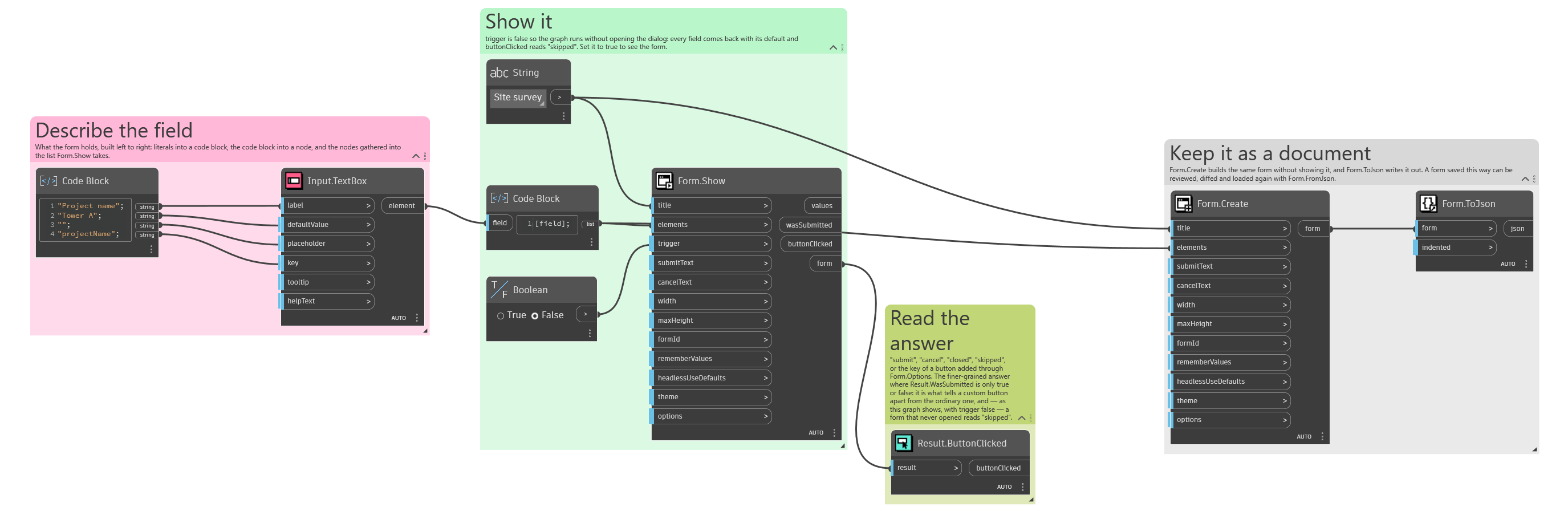
An example graph ships beside this page: Interlude.Result.ButtonClicked.dyn
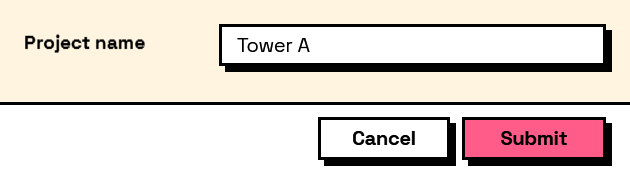
The form it builds: