Interlude.Input.ColorPicker
In Depth
Input.ColorPicker(label, defaultValue: "#000000", showAlpha: false, presets: null, key: "", tooltip: "", helpText: "")
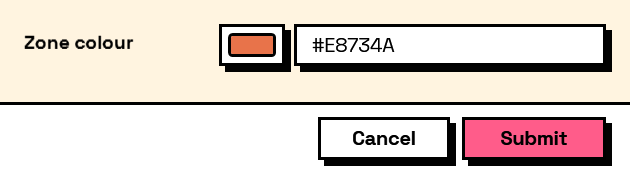
A colour field: a swatch that opens a picker, beside a hex box that can be typed into.
The answer is an Interlude colour rather than a string or a Revit colour, so read it with Result.GetColor — which hands back the hex text and the red, green, blue and alpha numbers together, and you take whichever the next node wants.
presets is the practical way to keep a team on a palette: offer the office's own colours as swatches above the picker, and the free choice underneath stays available for the case nobody anticipated.
The inputs are:
label(string) — Caption shown beside the field.defaultValue(string, defaults to"#000000") — Starting colour, as hex such as "#3366CC".showAlpha(boolean, defaults tofalse) — Add an opacity slider.presets(list of object, defaults tonull) — Hex colours offered as swatches above the picker.key(string, defaults to"") — Name of this answer in the results. Derived from the label when empty.tooltip(string, defaults to"") — Hover text.helpText(string, defaults to"") — A line of guidance shown under the field.
Returns element — The form element.
Search terms: colour, color, swatch, rgb, hex, picker.
About the Input nodes
The fields a user answers.
Every input returns an element describing the control, not the control itself, and every one takes the same three trailing options: key, which names the answer in the results dictionary; tooltip; and helpText. Leave key empty and it is derived from the label — convenient for a quick form, but give real keys to any graph you intend to keep, because renaming a label would otherwise rename the answer.
Choice inputs take the values themselves, not their display names. Selecting an option hands back the original object — a Revit element, a family type, whatever was put in — so the answer is usable directly instead of needing a lookup back from a string.
Example File
An example graph ships beside this page: Interlude.Input.ColorPicker.dyn
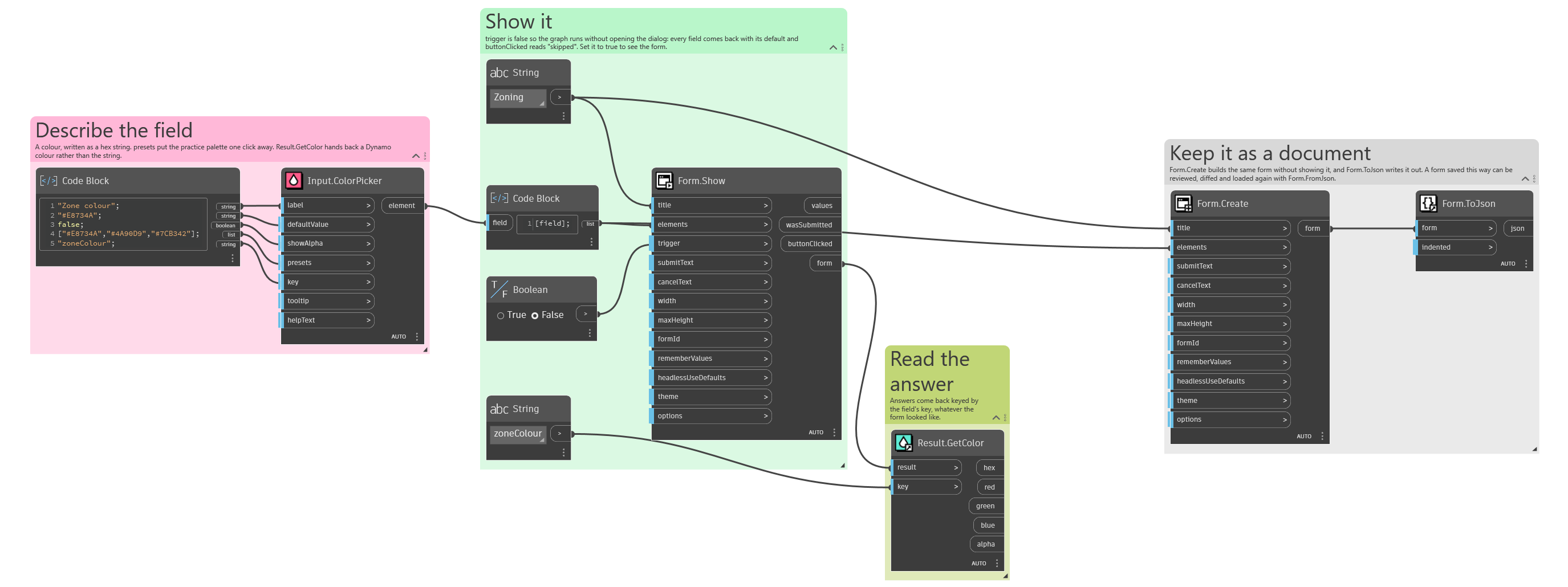
The form it builds: