Interlude.Form.Options
In Depth
Form.Options(description: "", height: null, resizable: true, showCancel: true, closeOnEscape: true, extraButtons: null, iconPath: "")
The less common form settings, for Form.Show's options port.
Form.Show already carries the settings most forms need. This holds the rest, so that the node everyone uses does not have thirty ports on it — window behaviour, extra buttons, and whether a cancel button appears at all.
The inputs are:
description(string, defaults to"") — A paragraph shown above the first field.height(object, defaults tonull) — Fixed window height. Null sizes the window to its contents.resizable(boolean, defaults totrue) — Let the user resize the window.showCancel(boolean, defaults totrue) — Show the cancel button.closeOnEscape(boolean, defaults totrue) — Let Escape cancel the form.extraButtons(list of object, defaults tonull) — Extra footer buttons, built with Layout.Button.iconPath(string, defaults to"") — Path to a window icon.
Returns options — The options.
Search terms: options, settings, description, height, resizable, buttons.
About the Form nodes
Showing a form and getting the answers back.
A note on re-execution, because it surprises everyone once: Dynamo re-runs a graph whenever anything upstream changes, and a node that shows a dialog will show it again. Interlude does not pretend otherwise — it gives you the tools to control it. The trigger port skips the dialog and returns the last answers when it is false, so a form can be gated behind a button or a boolean. A form already on screen is never opened twice: a second execution waits for the first window and returns its result rather than stacking dialogs. And Manual run mode remains the right setting for any graph built around a form.
Example File
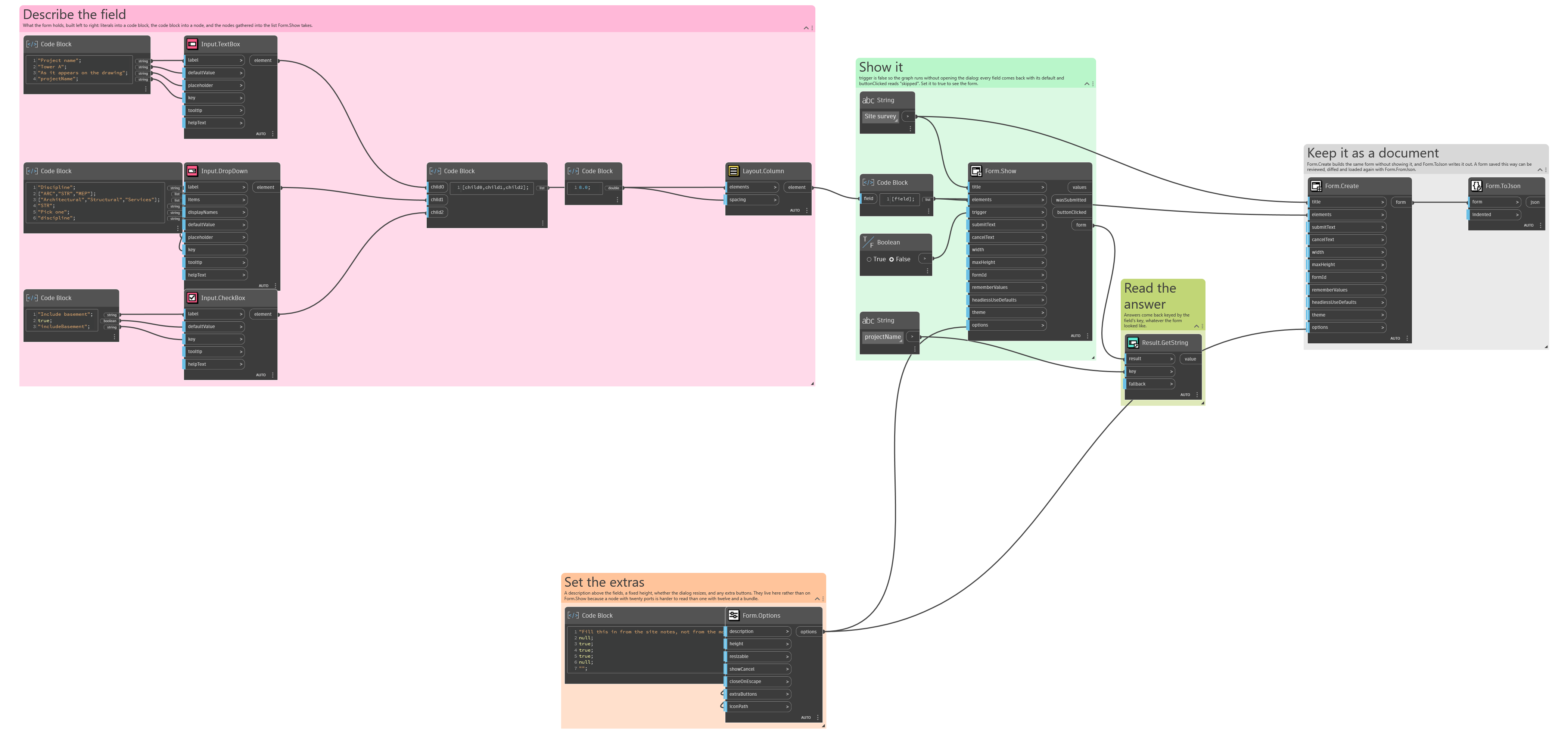
An example graph ships beside this page: Interlude.Form.Options.dyn
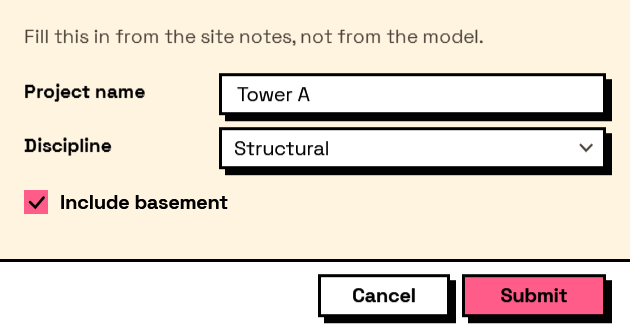
The form it builds: