Interlude.Input.FilePath
In Depth
Input.FilePath(label, defaultValue: "", filter: "All files|*.*", allowMultiple: false, forSaving: false, key: "", tooltip: "", helpText: "")
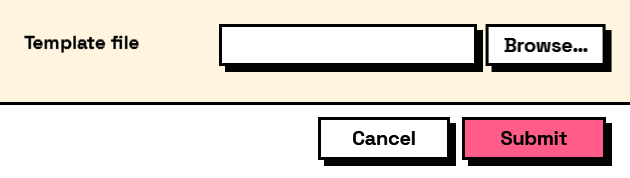
A file path with a Browse button, and a box that can also be typed or pasted into.
The shape of the answer depends on allowMultiple: false gives a single path string, true gives a list of them. Result.GetFilePaths always hands back a list, whichever way the field was configured, which saves the graph from caring.
forSaving switches to a save dialog — one that will happily name a file that does not exist yet. That is the point of it, and it is also why attaching Rule.FileExists to a saving field is a contradiction.
Browsing does not read the file or check that it is what the filter claims; the answer is a path, and opening it is the graph's business.
The inputs are:
label(string) — Caption shown beside the field.defaultValue(string, defaults to"") — Path the field starts with.filter(string, defaults to"All files|*.*") — Dialog filter, such as "Revit files|.rvt|All files|.*".allowMultiple(boolean, defaults tofalse) — Whether several files can be chosen.forSaving(boolean, defaults tofalse) — Show a save dialog instead of an open dialog.key(string, defaults to"") — Name of this answer in the results. Derived from the label when empty.tooltip(string, defaults to"") — Hover text.helpText(string, defaults to"") — A line of guidance shown under the field.
Returns element — The form element.
Search terms: file, path, browse, open, save, filepath.
About the Input nodes
The fields a user answers.
Every input returns an element describing the control, not the control itself, and every one takes the same three trailing options: key, which names the answer in the results dictionary; tooltip; and helpText. Leave key empty and it is derived from the label — convenient for a quick form, but give real keys to any graph you intend to keep, because renaming a label would otherwise rename the answer.
Choice inputs take the values themselves, not their display names. Selecting an option hands back the original object — a Revit element, a family type, whatever was put in — so the answer is usable directly instead of needing a lookup back from a string.
Example File
An example graph ships beside this page: Interlude.Input.FilePath.dyn
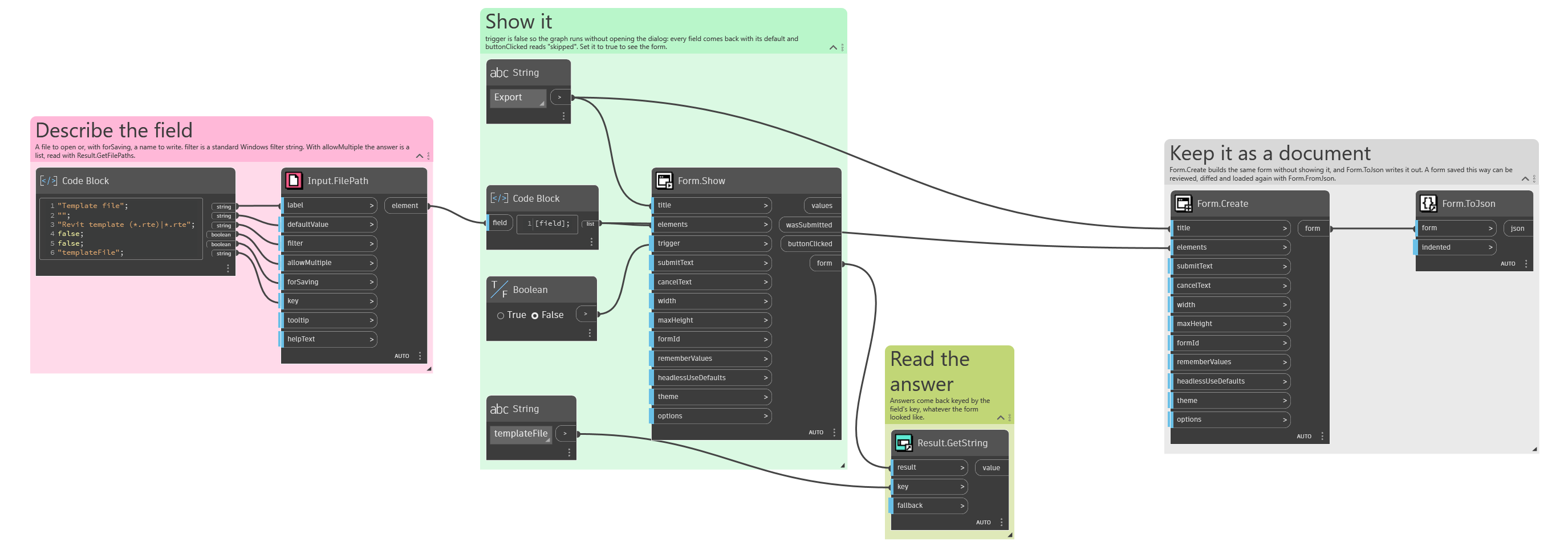
The form it builds: